





<div class="showcontent">

<h3>After being 2 second each image will be changed.</h3>

<div class="imgrow">

<div class="slideshow">

    <div class="imgdisplay">

        <img src="All images\img_lights_wide.jpg" alt="">

    </div>

    <div class="caption">Hello</div>

</div>


<div class="gallery">

    <div><img src="All images\img_snow_wide.jpg" alt="img_snow_wide"></div>

    <div><img src="All images\img_mountains_wide.jpg" alt="img_mountains_wide"></div>

    <div><img src="All images\img_lights_wide.jpg" alt="img_lights_wide"></div>

    <div><img src="All images\img_nature_wide.jpg" alt="img_nature_wide"></div>

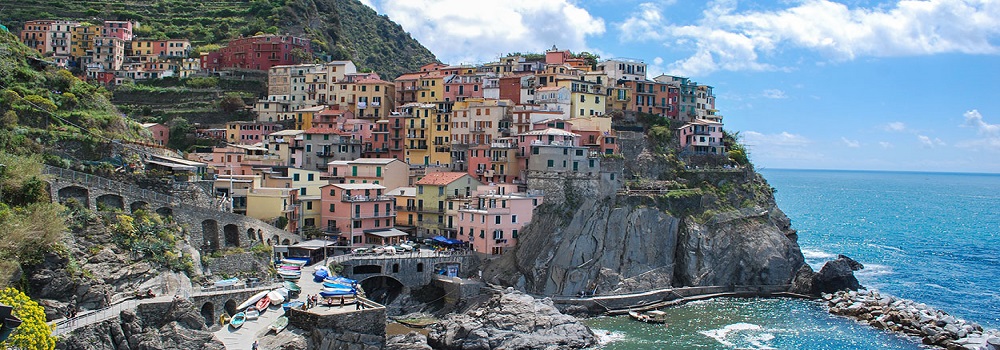
    <div><img src="All images\img_5terre_wide.jpg" alt="img_5terre_wide"></div>

    <div><img src="All images\img_woods_wide.jpg" alt="img_woods_wide"></div>

</div>


</div>
let index=0;
let images=document.querySelectorAll(".gallery div img");

let showed=document.querySelector(".slideshow .imgdisplay img");


let captn=document.querySelector(".slideshow .caption");
//console.log(captn.innerHTML);
// console.log(showed.src);
myfun();

function myfun(){
    if(index>=images.length){
        index=0;
    }
    index+=1;
    for(let i=0;i< images.length;i++){
        images[i].className=images[i].className.replace("Inopacity","");
    }
    images[index-1].className+="Inopacity";
    //console.log(images[index-1]);

    showed.src=images[index-1].src;
    captn.innerHTML=images[index-1].alt;

    setTimeout(myfun,2000);

}
.imgrow{
    width: 98%;
    margin: auto;

}
.slideshow{
    box-shadow: 2px 2px 3px 1px #333;
}

.imgdisplay img{
    width: 100%;
    margin: auto;
}
.caption{
    background-color: #333;
    padding: 15px;
    color: white;
    text-align: center;
    margin-top: -5px;
    font-size: 20px;
}
.gallery{
    width:100%;
    display: flex;
    padding-top: 3px;
    box-shadow: 2px 2px 3px 1px #333;

}
.gallery img{
    opacity: 0.5;
    width: 16.66%;
}
.gallery div img{
    width: 100%;
}
.gallery .Inopacity {
    opacity: 1;
}